AI email design
Design emails with AI, then keep editing
Describe your email, review the proposal and apply it to Template Builder. Keep control of the text, buttons and layout afterwards.
For introductions, product updates and design revisions when you want an editable template rather than a block of HTML to move elsewhere.
Describe
Request a new design or explain how to revise the current template.
Review and choose
Approve the credit quote first, then inspect the proposal and mobile/desktop previews.
Keep editing
Edit the applied design in the normal editor, undo if needed and save.
Start with one goal and real facts
State the audience, offer, tone and next step. Supply your own HTTPS URL for a button. Do not ask AI to invent prices, customer results or contact details. You can explicitly include available approved company knowledge; fill missing facts yourself.
You control cost and changes
Expected and maximum credits are shown before generation or revision; the model runs after explicit confirmation. A proposal does not silently overwrite the design. Compare old and new content, discard it or apply it. After an unexpected error, check the existing outcome instead of blindly starting again.
Editing is not sending approval
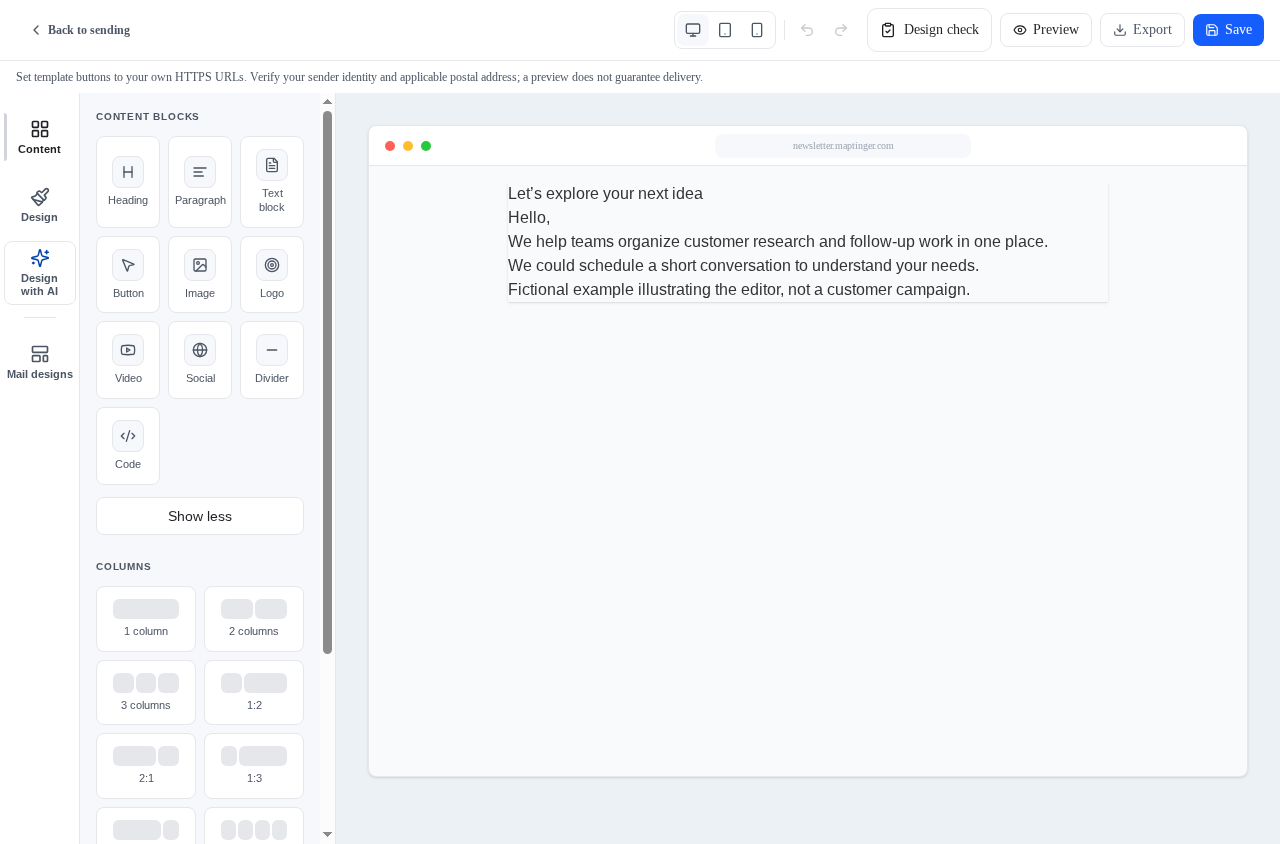
The result returns as supported editable blocks, not a flat image. Adjust text, buttons, colours and layout and save it. During send preparation, recheck personalization for a sample recipient, links and the unsubscribe area. AI design grants neither recipient permission nor a spam-free delivery guarantee.
Practical questions and answers
Can AI revise an existing design?
Yes. Request a revision of the open design, review it and apply it explicitly. Manual editing remains available.
Can I use it without AI?
Yes. The normal Template Builder remains available. AI is optional; saving templates and preparing sends keep their own flows.
Related topics
Email marketing: prepare content, audiences and review
Prepare a draft, choose recipients and review the final preview. Track sending, queues and outcomes in the same email workspace.
Explore the solutionSender healthEmail sender health and controlled warm-up
Review the sender account, available domain evidence and sending outcomes together. Plan volume within warm-up and pacing limits.
Explore the solution