Sender health
Email sender health and controlled warm-up
Review the sender account, available domain evidence and sending outcomes together. Plan volume within warm-up and pacing limits.
For teams starting with a mail account or investigating waiting sends. Look at connection state, evidence coverage and observed outcomes rather than one score.
Check the account
Check the connection and distinguish your domain from a provider-managed account.
Interpret evidence
Check observation time, coverage and missing signals; do not label unknowns healthy.
Plan volume
Read warm-up, remaining capacity and wait reasons together; do not bypass them by resending.
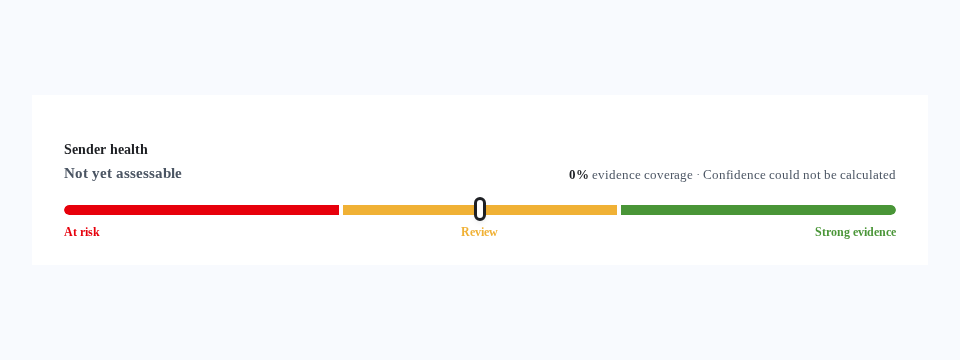
Connection and domain evidence differ
A connected account alone does not prove SPF, DKIM or DMARC is correct. Available DNS and authentication findings can be reviewed for custom domains; some checks on personal accounts are provider-managed. Finding a record does not prove every actual message passed authentication. Unavailable or stale evidence remains a visible gap.
Warm-up is more than elapsed days
New accounts start with limited daily capacity. Progress considers qualifying sending observations and risk signals; bounces or connection problems may reduce volume or hold work. Daily capacity, warm-up and pacing limits all apply. This is not a warm-up network manufacturing conversations or a promise to build reputation in a fixed time.
Read outcomes with their coverage
The report covers sends and signals observed by Maptinger, not every email sent externally from the account. Small samples or missing provider feedback limit conclusions. Provider acceptance, bounce, failure and unknown outcome are distinct states. An open pixel alone proves neither human interest nor sales success.
Practical questions and answers
Does a health score guarantee delivery?
No. Evidence gaps, observation time and sample size matter together. Passing connection or DNS checks does not guarantee the recipient server’s decision or inbox placement.
Does this page send mail or change DNS?
No. This public explanation connects no account, starts no scan, writes no DNS and sends no email. Account checks and campaign approval are separate authorized panel actions.
Related topics
Email marketing: prepare content, audiences and review
Prepare a draft, choose recipients and review the final preview. Track sending, queues and outcomes in the same email workspace.
Explore the solutionAI email designDesign emails with AI, then keep editing
Describe your email, review the proposal and apply it to Template Builder. Keep control of the text, buttons and layout afterwards.
Explore the solution